
About PDFriend
PDFriend is an Android app that turns JPG images, photos and paper documents into PDF files on your phone. It makes every PDF on the device, so your files stay with you.
Why does PDFriend exist?
Many people must send a PDF from a phone. A school wants the homework as one PDF. An office wants the receipts as one file. A landlord wants the ID card and the contract.
A photo of a paper is not enough for these tasks. The pages must be straight, clean, in order and in one file. PDFriend does these steps in one place, in about one minute.
We also think that a receipt or an ID card must not go to an unknown server. For this reason, PDFriend makes each PDF on the phone.
What are the facts about PDFriend?
| What it is | An Android app that turns JPG images, photos and paper documents into PDF files. |
|---|---|
| Where it works | Android phones and tablets with Android 9 or later. |
| Where the work happens | On your phone. The app does not upload your images, PDF files, text or signature. |
| Account | None. You open the app and start. |
| Tools | 12 tools: Camera, Image to PDF, Smart Scan, ID Card, Text to PDF, Web to PDF, PDF to JPG, Import PDF, Merge PDF, Compress, Lock and Unlock. |
| Languages | English, German, French, Japanese, Korean and Traditional Chinese. |
| Where to get it | Google Play. |
Who is the little page on this site?
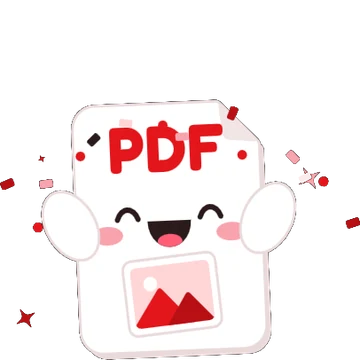
The mascot is a friendly white PDF page with a red "PDF" label. It is in the app too. It waves on the first screen and it celebrates when your PDF is ready.
What does the name mean?
PDFriend is "PDF" and "friend" in one word. On Google Play, the app shows as "JPG to PDF: PDFriend". The first part tells you the main task. The second part is the name.
How can you contact the team?
Send an email to support@jpgtopdfapp.com. For help with a problem, read the support page first. For the data that the app uses, read the privacy policy.