
How to convert PPT to PDF on your phone
To convert a PowerPoint file to PDF on Android, open PDFriend, tap More, then tap PPT to PDF and pick the .pptx file. The app makes one PDF page for each slide, at the slide size, on the phone. Text, pictures, shapes and tables show. A chart shows as a gray box. Old .ppt files do not open. The iPhone app has the same tool.
How do you convert PowerPoint to PDF on Android?
The teacher wants the slides as a PDF, and the .pptx file is on your phone. PPT to PDF converts it on the phone, without an upload.
-
Open the More tools sheet
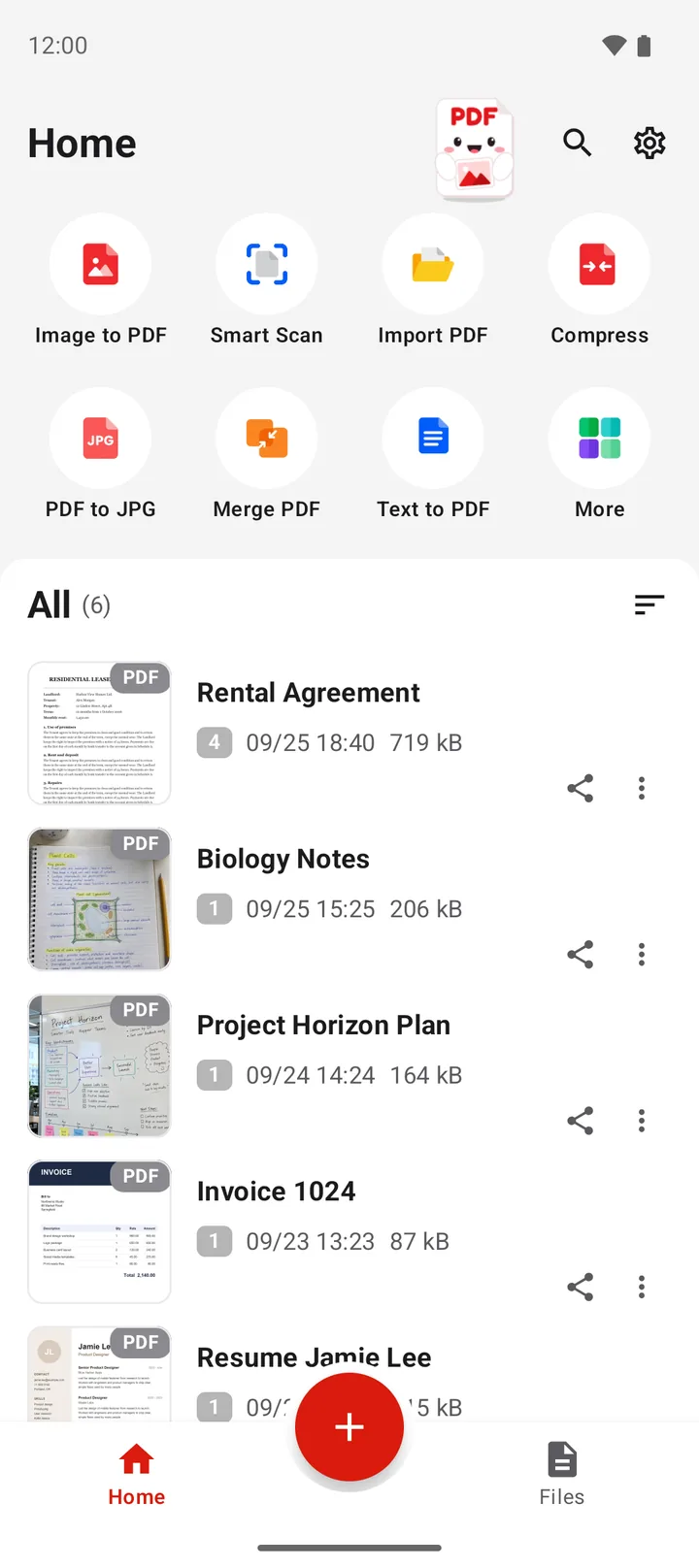
Open PDFriend and tap More, the last tile on the home screen.
-
Tap PPT to PDF
In the More tools sheet, tap PPT to PDF.
-
Pick the presentation
Pick the .pptx file, for example from Downloads.
-
Open or share the PDF
The app converts the slides on the phone and opens the result screen. Tap Open, Share or Print. The PDF is in Documents/ImageToPDF on Android.
To look at the slides first, open the .pptx file in the Office Reader, then tap Save as PDF. Read how to open DOCX, XLSX and PPTX files on Android.
What does the PDF show from the slides?
| Part of the slide | In the PDF |
|---|---|
| Text, with the styles of the slide master | Yes |
| Pictures | Yes, also cropped pictures |
| Shapes, lines and fills | Yes. An unusual custom shape shows as a rectangle. |
| Tables and SmartArt | Yes |
| Slide backgrounds | Yes |
| Charts | No, a gray box shows |
| Shadows, glow, 3D | No |
| Animations and transitions | No, each slide is one still page |
| Speaker notes | No |
Tip: before you send the PDF, scroll through it and look for gray boxes. Each one is a chart that did not convert.
Why send slides as a PDF?
A PDF opens on every phone and computer, also without PowerPoint. The fonts and the positions on the slide do not move on the other device. A PDF is also harder to change by accident, so it suits a hand-in or a handout.
To make the PDF smaller for an email, read how to make a PDF smaller on Android. To go the other way, from PDF to slides, read how to convert a PDF to PowerPoint on Android.
PPT to PDF in numbers
- Input: PowerPoint files in the .pptx format. Not .ppt.
- Pages: 1 PDF page for each slide.
- Page size: the size of the slide, for example 16:9 or 4:3.
- File name: the name of the presentation. "talk.pptx" gives "talk.pdf".
- Folder: Documents/ImageToPDF on Android 10 and later.
- Android version: Android 9 or later, iOS 26 or later (iPhone). PDFriend version 1.0.4 or later.
- Upload: none. The conversion runs on the phone.
How do you convert PPT to PDF on iPhone?
PDFriend is also an iPhone app (iOS 26 and later). Tap More, then tap PPT to PDF and pick the .pptx file. The app makes one PDF page for each slide, on the phone. The PDF goes to the folder of the app. In the Files app, open On My iPhone > PDFriend.
Questions and answers
How do I convert a PPT to PDF on my phone?
Open PDFriend, tap More, then tap PPT to PDF. Pick the .pptx file. The app makes one PDF page for each slide and saves the PDF in Documents/ImageToPDF on Android.
Why does a chart show as a gray box?
PPT to PDF does not draw charts. A chart on a slide shows as a gray box in the PDF. If the chart is important, paste it into the slide as a picture before you convert the file.
Can I convert an old .ppt file?
No. PDFriend reads only the .pptx format. For a .ppt file, the app says: "This is an old Office file (.doc, .xls or .ppt). Save it as .docx, .xlsx or .pptx, then try again."
Are the speaker notes in the PDF?
No. The PDF shows the slides only. Speaker notes, animations and slide effects such as shadows do not show.
What page size does the PDF have?
Each PDF page has the size of the slide. A 16:9 presentation gives wide pages, and a 4:3 presentation gives the older, more square pages.