
How to convert PDF to PPT on your phone
To convert a PDF to PowerPoint on Android, open PDFriend, tap More, then tap PDF to PPT and pick the PDF. The app makes a .pptx file on the phone. Each PDF page becomes one slide with a picture of the page. The slides look like the PDF, but the text on them is not editable. The iPhone app has the same tool.
How do you convert a PDF to PowerPoint on Android?
You have a handout as a PDF, and you must show it on a projector or add it to a deck. PDF to PPT turns the pages into slides on your phone.
-
Open the More tools sheet
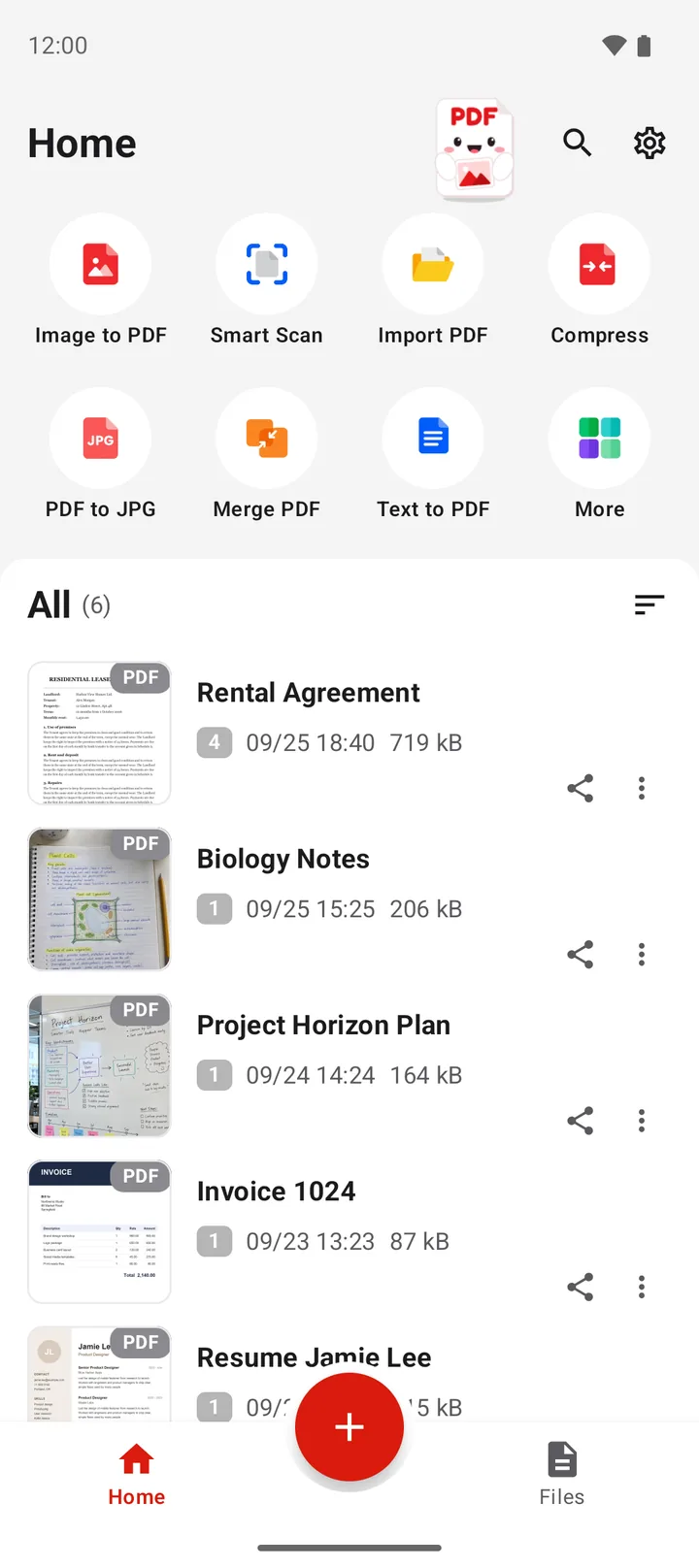
Open PDFriend and tap More, the last tile on the home screen.
-
Tap PDF to PPT
In the More tools sheet, tap PDF to PPT.
-
Pick the PDF
Pick the PDF file. The app shows the progress page by page.
-
Open the presentation
The result screen shows "PowerPoint file created". Open the .pptx file in a presentation app, or share it. The file is in Documents/ImageToPDF on Android.
What are the slides made of?
Each slide holds one picture of one PDF page. This keeps the look of the PDF exactly: the fonts, the colors, the charts and the layout. The price is that the text on the slide is part of the picture.
| Question | Answer |
|---|---|
| Slides | 1 slide for each PDF page |
| The look of the page | The same as the PDF |
| Text on the slide | Not editable, it is part of the picture |
| Add your own text and shapes | Yes, in your presentation app, on top of the picture |
Need editable text? Use PDF to Word. It turns the text into paragraphs that you can edit. Read how to convert a PDF to Word on Android.
When is PDF to PPT the right tool?
- Present a PDF: show a report or a handout page by page in a presentation app.
- Add PDF pages to a deck: copy the slides into your own presentation.
- Write on top of the pages: add arrows and notes in the presentation app.
Only some pages? Extract them first, so the presentation has only those slides. Read how to split a PDF on Android. To go the other way, read how to convert PowerPoint to PDF on Android.
PDF to PPT in numbers
- Output: a PowerPoint file in the .pptx format.
- Slides: 1 slide for each PDF page, with a picture of the page.
- File name: the name of the PDF. "handout.pdf" gives "handout.pptx".
- Folder: Documents/ImageToPDF on Android 10 and later.
- Android version: Android 9 or later, iOS 26 or later (iPhone). PDFriend version 1.0.4 or later.
- Upload: none. The conversion runs on the phone.
How do you convert PDF to PPT on iPhone?
PDFriend is also an iPhone app (iOS 26 and later). Tap More, then tap PDF to PPT and pick the PDF. The app makes a .pptx file with one slide for each page. The file goes to the folder of the app. In the Files app, open On My iPhone > PDFriend.
Questions and answers
How do I convert a PDF to PowerPoint on Android?
Open PDFriend, tap More, then tap PDF to PPT. Pick the PDF. The app makes a .pptx file with one slide for each page and saves it in Documents/ImageToPDF on Android.
Can I edit the text on the slides?
No. Each slide holds a picture of the PDF page, so the text on the slide is not editable. You can add new text boxes, shapes and notes on top of the picture in your presentation app.
Do the slides look like the PDF?
Yes. Each slide shows a picture of its page, so the fonts, the colors and the layout look like the PDF.
How can I get editable text from a PDF?
Use PDF to Word instead. It makes a .docx file with paragraphs that you can edit. Copy the text from there into your slides.
Can I convert a PDF with a password?
Not directly. The app says: "This file has a password. Remove the password, then try again." Use Unlock to save a copy without the password, then convert the copy.